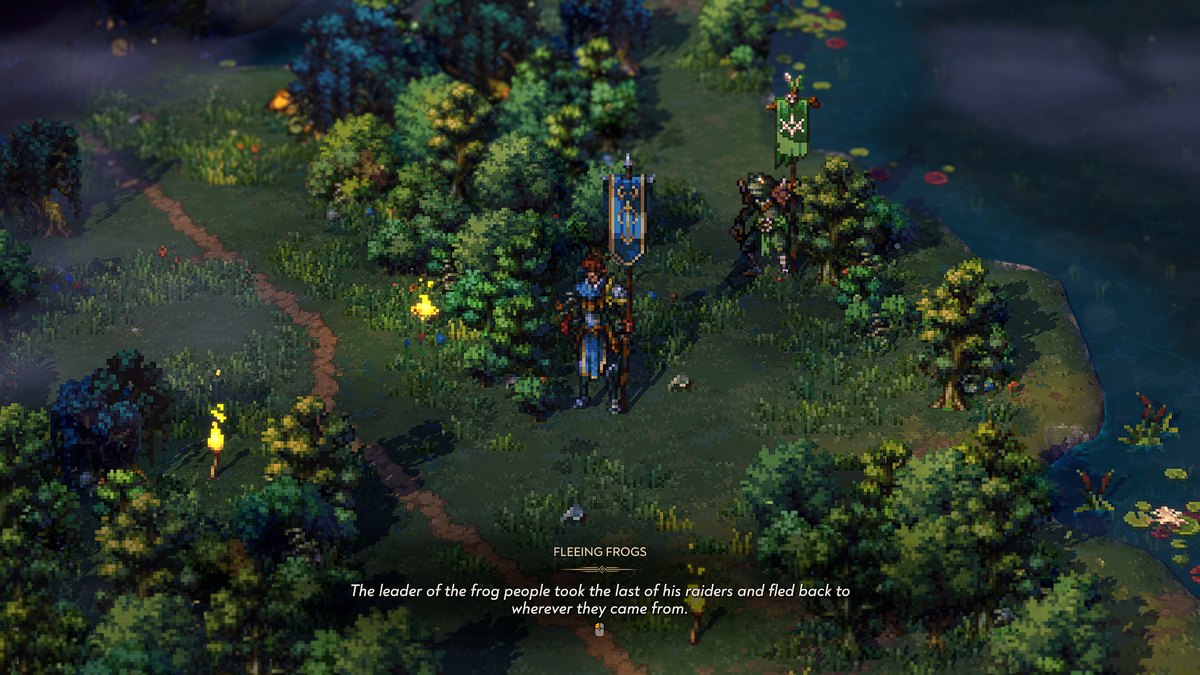
◆ Songs of Conquest ◆
Ultra Mod Suite
The complete, screenshot-verified guide to installing BepInEx 5 (x64) into Songs of Conquest — then loading it with the Ultra Graphics Suite and the Ultra Difficulty Director, two ungodly madly vastly enhanced mods by StixsworldHD (StixsmasterHD4k).
One loader, two mods, fifteen minutes
Everything installs by copying files — no installers, no registry, no save-file edits. Follow the three parts in order and you cannot go wrong. Every step below is illustrated with a real screenshot of the finished result; click any image to view it at its original full size.
Install BepInEx 5
The plugin loader everything else rides on. Download one zip from GitHub,
extract it next to SongsOfConquest.exe, run the game once.
Ultra Graphics Suite
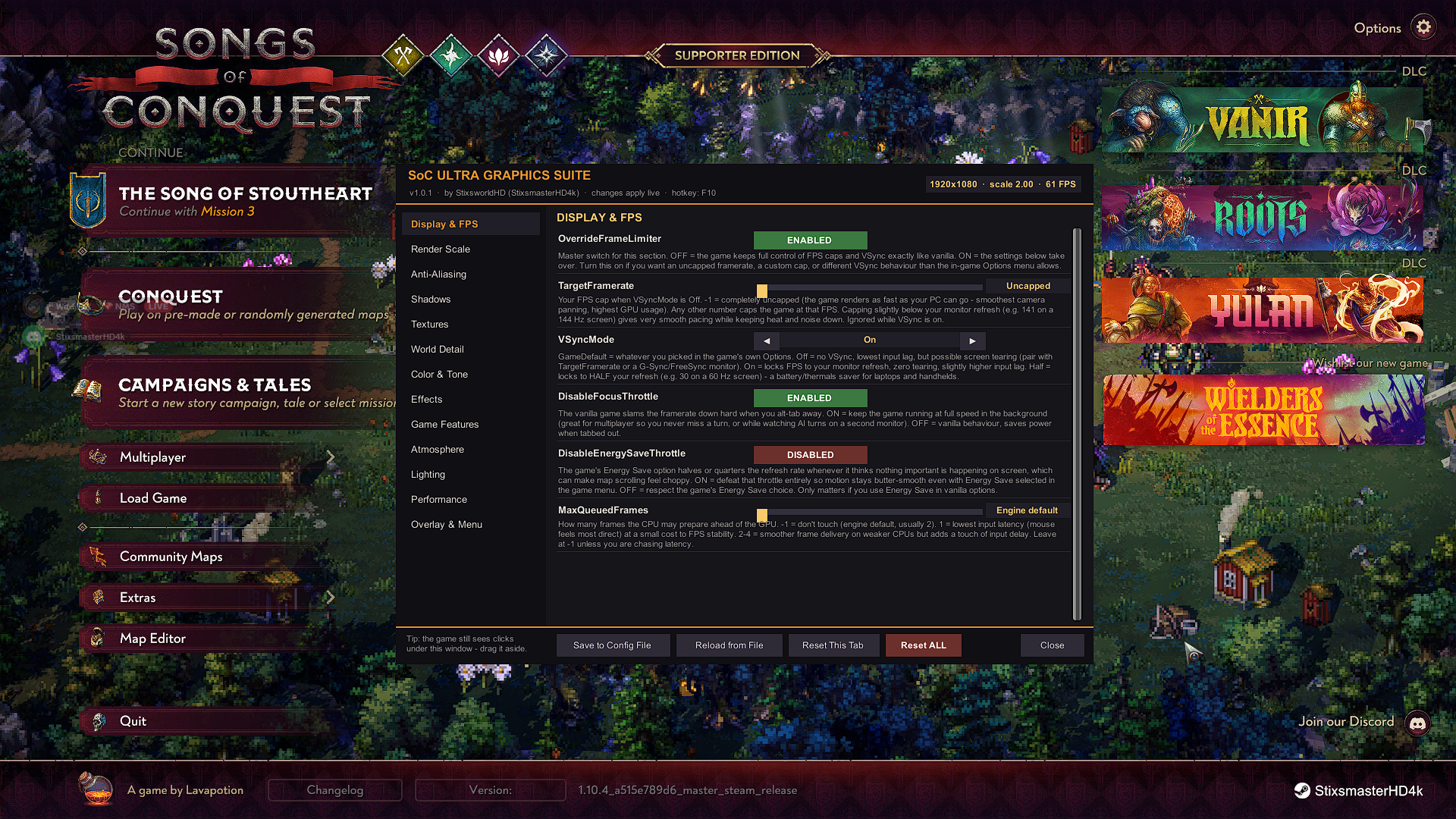
v1.0.1 · one DLL into BepInEx\plugins. 69 live-apply settings across
13 tabs — press F10 in-game.
Ultra Difficulty Director
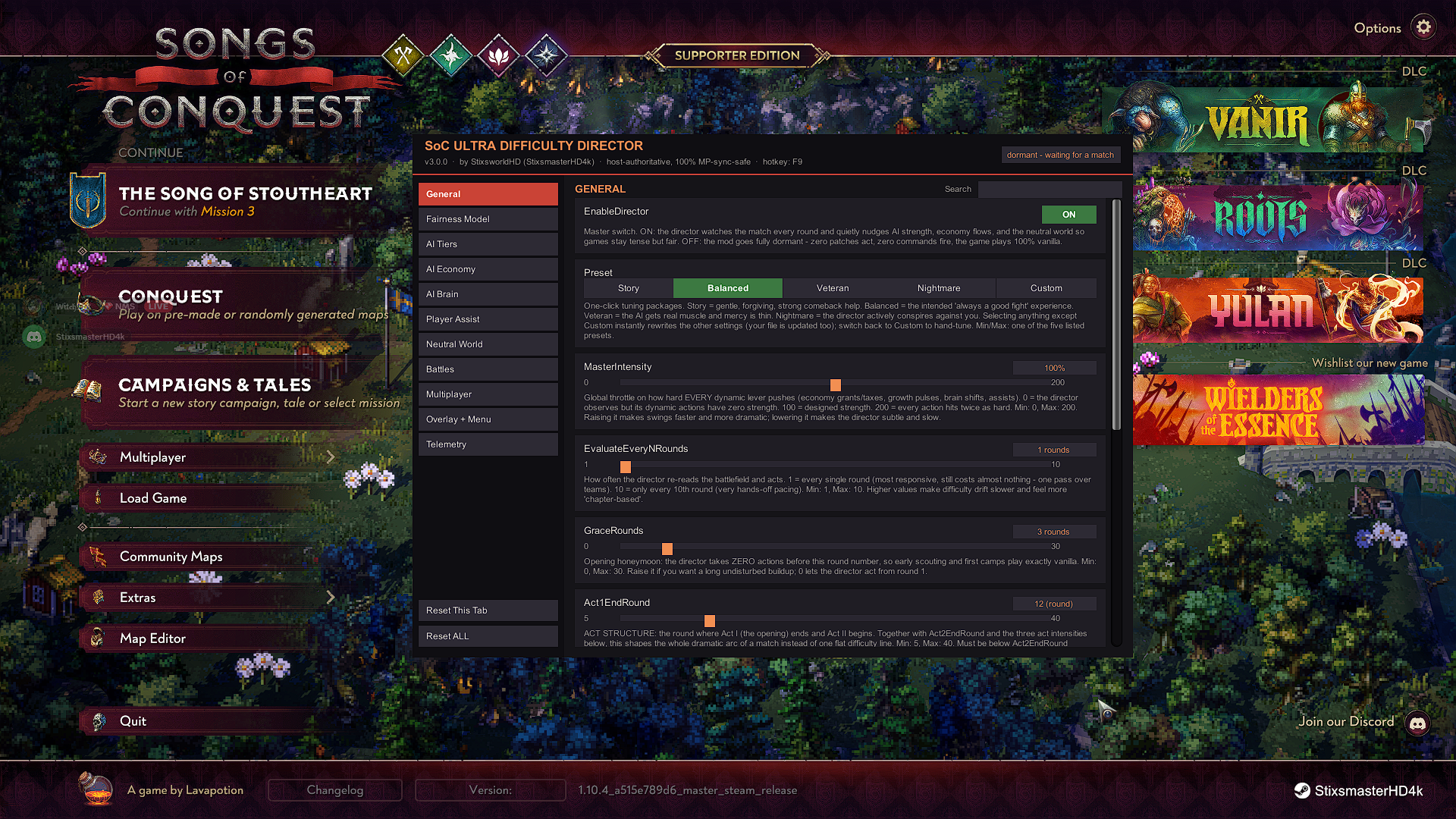
v3.0.0 · one DLL into BepInEx\plugins. A living, fair, 99-setting
difficulty director — press F9 in-game.
SoC Ultra Graphics Suite v1.0.1
Uncapped FPS and frame pacing, render scale to 2.00× supersampling (or AMD FSR 1.0 down-scale for weak GPUs), MSAA up to 8×, FXAA/SMAA/TAA, 8192 shadow maps, 16× anisotropic filtering, 2× world detail and flora, a full colorist toolkit (ACES tonemapping, exposure, white balance), bloom/grain/vignette control, cloud & lighting dials, anti-stutter GC tuning, and a corner FPS overlay with 1% lows. Hooks the game's own graphics manager so preset changes can never silently undo your overrides.
SoC Ultra Difficulty Director v3.0.0
A director that watches every round and keeps the match a fight: AI tier shifts, income-proportional stipends and taxes, Last Stands, the new Coalition Instinct that turns the AI courts against the runaway leader, skill-adaptive difficulty, mercy windows, revive assistance, neutral-camp growth pulses — all shaped by a three-act dramatic arc and four one-click presets (Story / Balanced / Veteran / Nightmare). Host-authoritative: guests never need the mod.
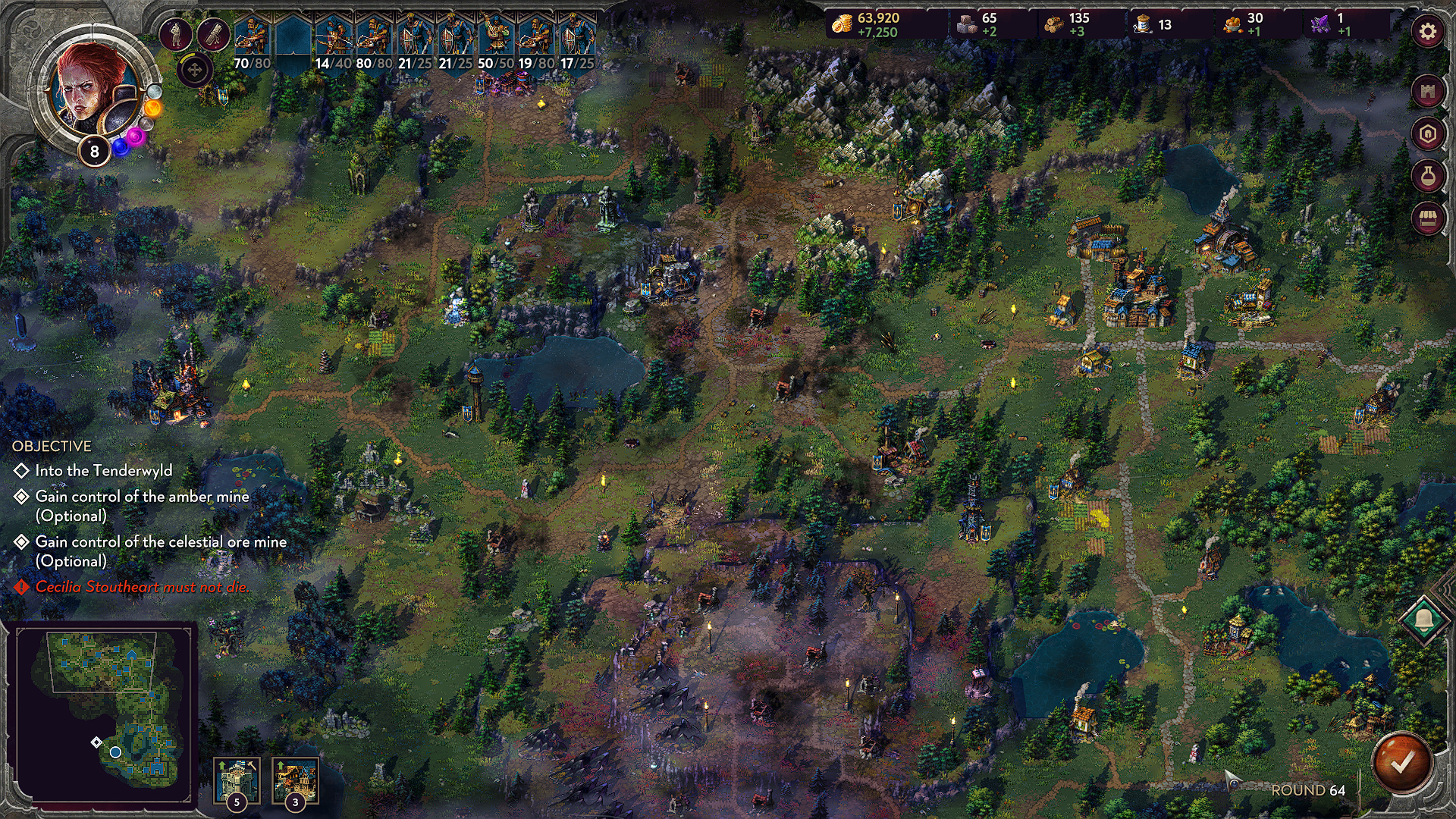
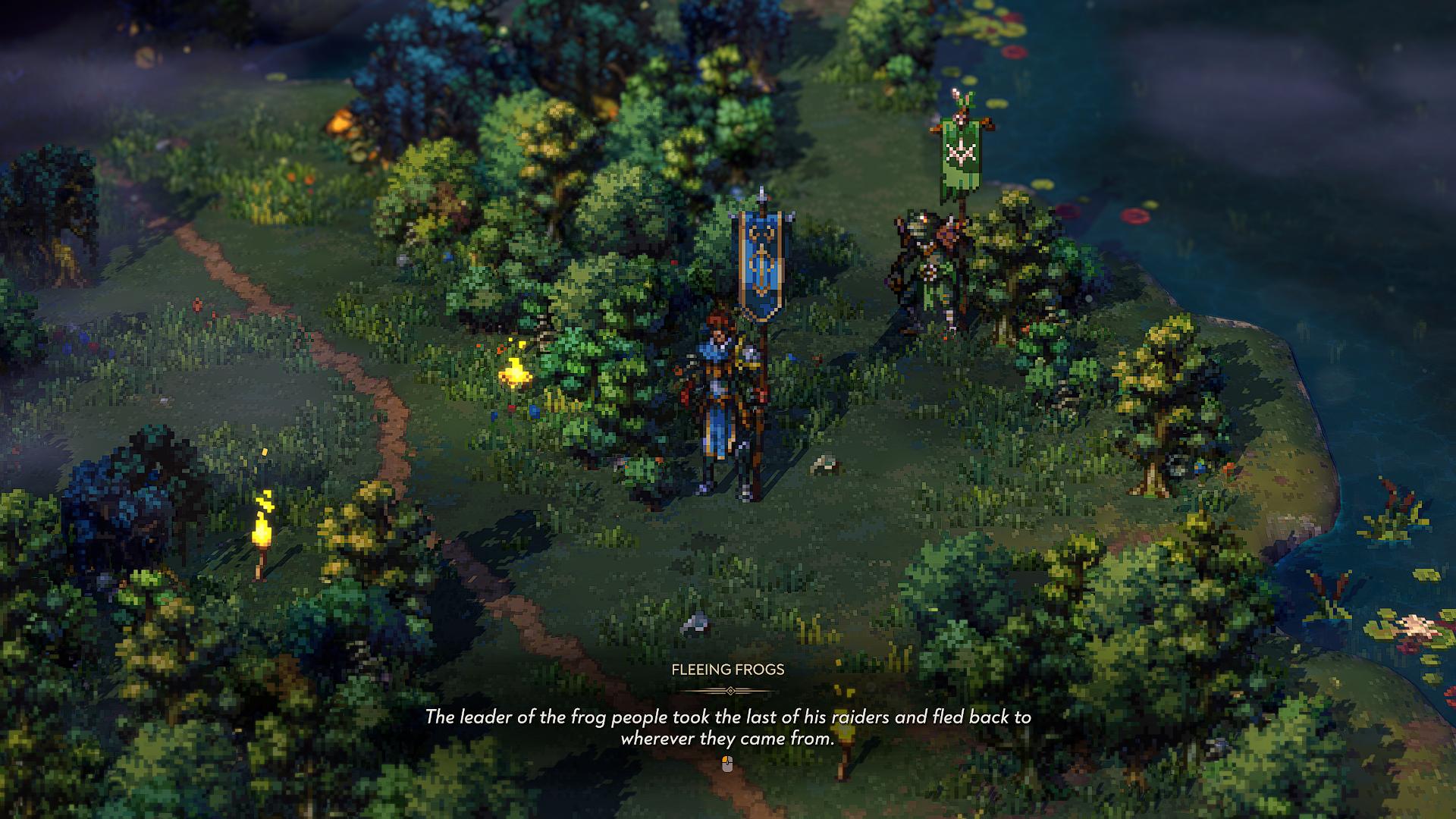
Both mods running together
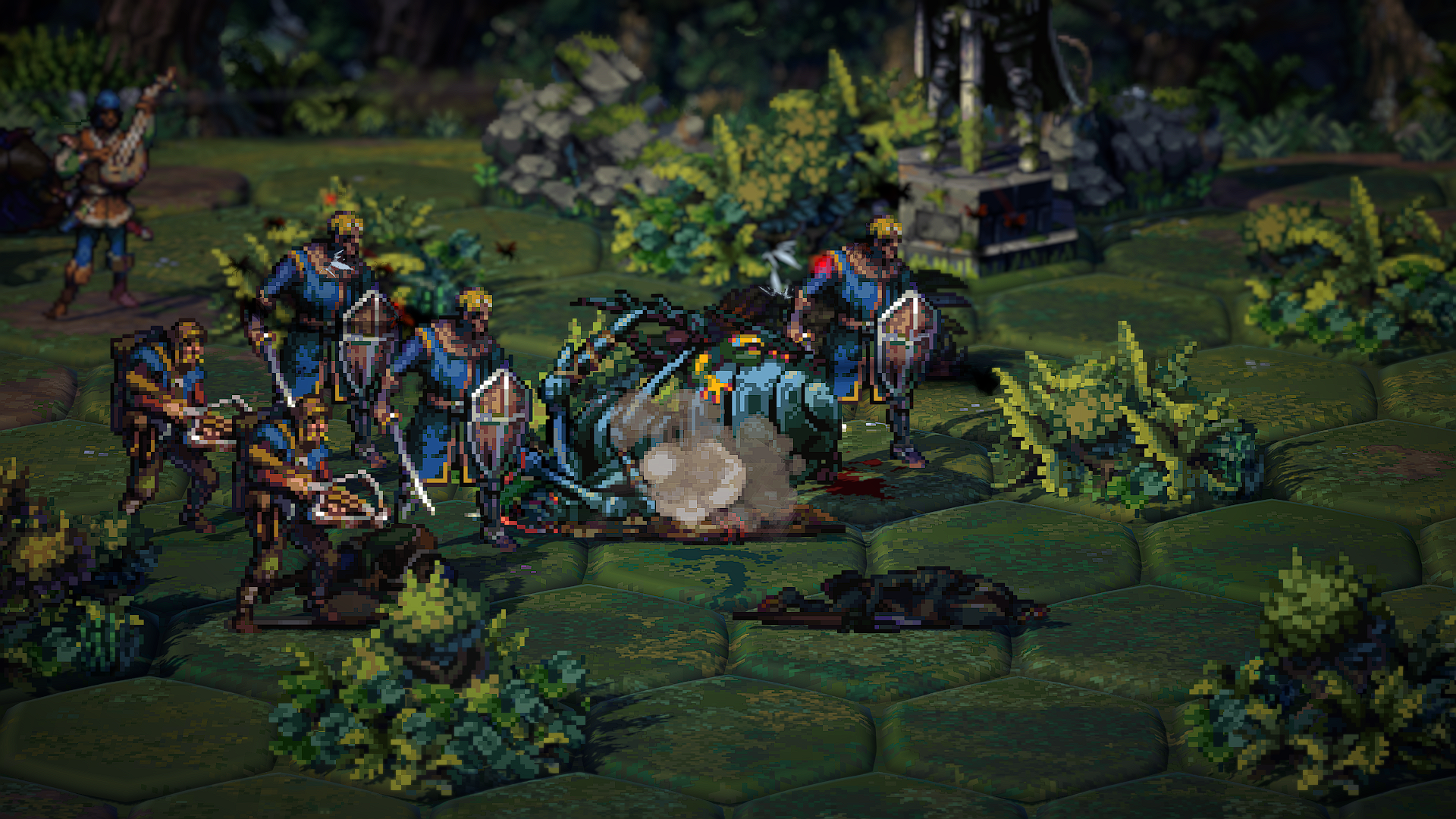
Shots taken on the verified build with the Graphics Suite and the Difficulty Director loaded side by side. Click any image for the untouched original.
What you need
- Songs of Conquest on Windows (Steam or GOG), base game with or without DLC — the mods cover all of it.
- The game launched at least once so it has finished first-time setup.
- An archive tool that opens
.rarand.zip— 7-Zip, WinRAR, NanaZip, or PeaZip all work. - About 15 minutes. No modding experience required.
What this guide never asks you to do
- Run an installer or a script.
- Touch your save files — the director stores nothing in them.
- Overwrite or delete any original game file. Everything added sits next to the game and removes cleanly.